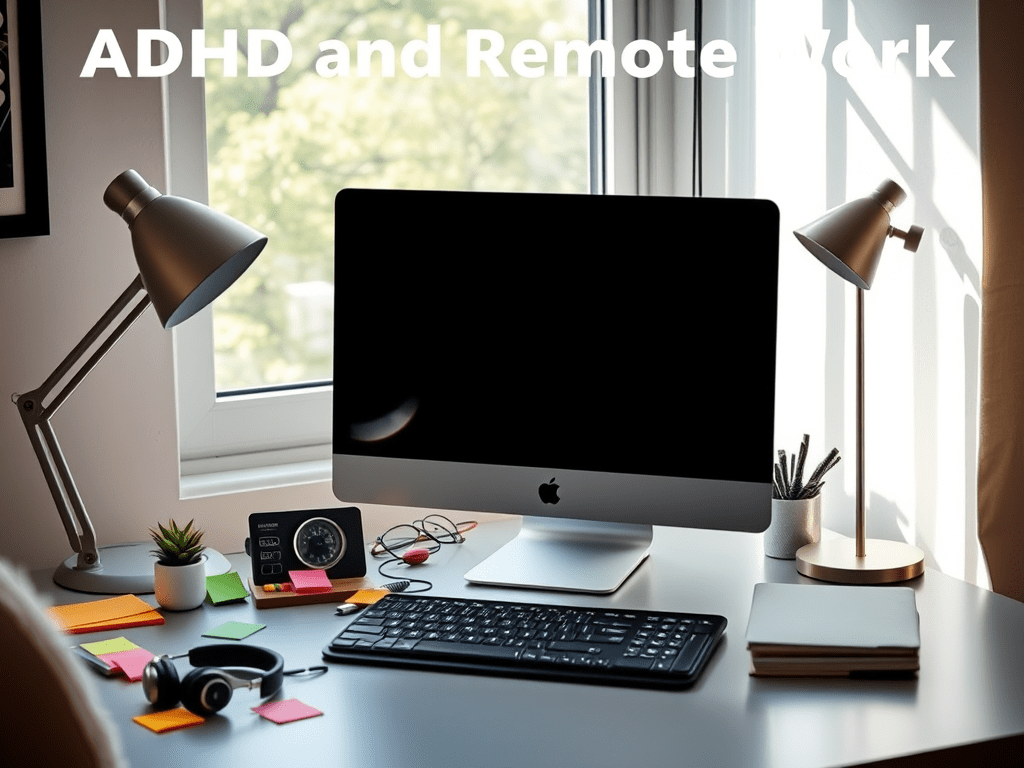
Remote work can be a game-changer for individuals with ADHD. The flexibility to create a personalized work environment, take movement breaks, and avoid office distractions can significantly enhance productivity. However, working from home also presents unique challenges—staying on task, managing time effectively, and avoiding isolation.
Whether you’re new to remote work or looking for better ADHD-friendly strategies, this guide will help you optimize your home office, boost focus, and stay connected with your colleagues.
1. The Benefits and Challenges of Remote Work for ADHD
Why Remote Work Can Be Great for ADHD:
✅ Flexibility: You can structure your day in a way that works best for your focus and energy levels.
✅ Fewer Office Distractions: No more noisy office spaces or unexpected interruptions from co-workers.
✅ Movement Freedom: You can get up, stretch, or take short walks when needed.
✅ Custom Work Environment: You control your setup, lighting, noise levels, and workspace design.
Common ADHD Challenges in Remote Work:
❌ Lack of Structure: Without a set schedule, it’s easy to lose track of time and get off task.
❌ Difficulty Separating Work from Home Life: It’s tempting to switch between work and personal tasks, leading to scattered focus.
❌ Procrastination and Task Avoidance: Without supervision, motivation can dip, and distractions can take over.
❌ Feeling Isolated: Working alone may lead to loneliness or a lack of accountability.
To make remote work successful, you need intentional systems to support productivity, focus, and connection.
2. Setting Up an ADHD-Friendly Home Office
Your workspace plays a significant role in how well you focus. Create an ADHD-friendly home office with these key adjustments:
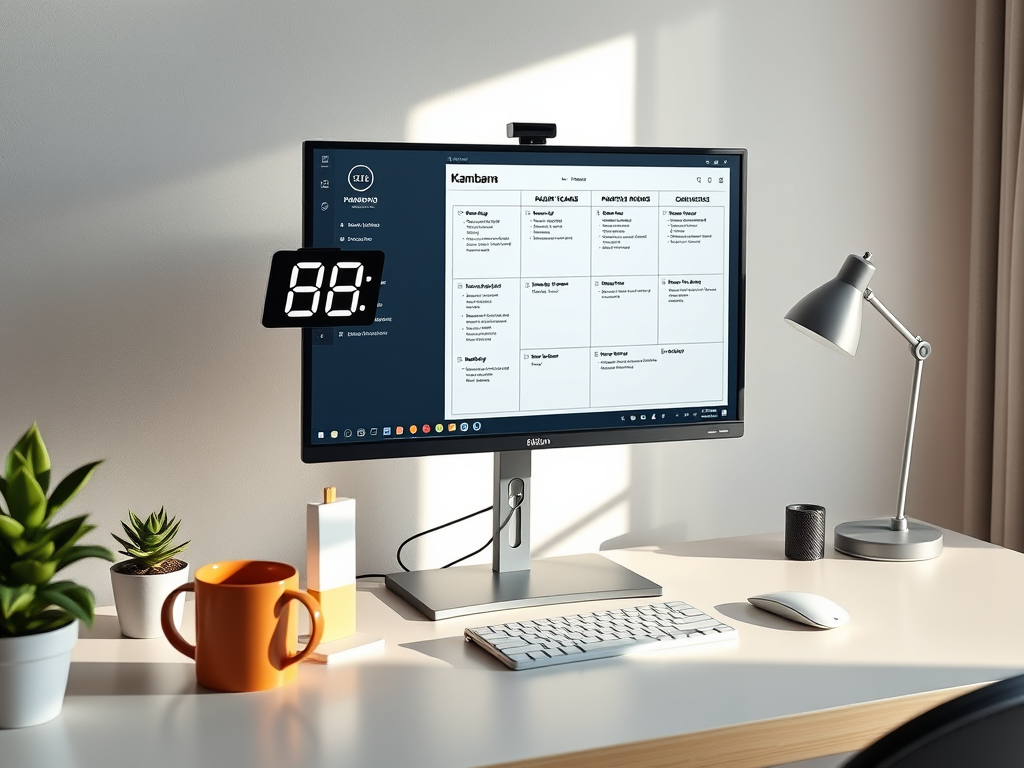
1. Create a Distraction-Free Zone
- Position your desk away from the TV, bed, or other distractions.
- Use noise-canceling headphones or play instrumental music to block out background noise.
- Keep only essential work items on your desk to prevent visual clutter.
2. Use a Timer-Based System for Focus
- The Pomodoro Technique: Work for 25 minutes, then take a 5-minute break. Repeat four times, then take a longer break.
- Body Doubling: Work alongside someone on a video call (even if they’re doing their own tasks) to create external accountability.
- Time Blocking: Set specific time slots for different tasks (e.g., “Emails: 9–10 AM,” “Deep Work: 10:30–12 PM”).
3. Keep Your Space Visually Organized
- Use color-coded sticky notes or whiteboards to track tasks.
- Have designated trays for urgent tasks, ongoing projects, and completed work.
- Keep a digital or physical planner to structure your daily workload.
4. Make It Comfortable but Functional

- Use an ergonomic chair and adjustable desk height for comfort.
- Add good lighting (natural light or a warm desk lamp) to reduce eye strain.
- Keep fidget tools nearby (like stress balls, textured pens, or small puzzles) for moments when your hands need movement.
3. Strategies to Stay Productive While Working from Home
1. Start Your Day with a Ritual
A structured morning routine helps set the tone for the day. Try:
- A short walk or stretch session before sitting at your desk.
- Writing three main goals for the day in a planner.
- Making a to-do list before opening emails or social media.
2. Use External Accountability
- Check-in with a colleague or friend in the morning and share your daily goals.
- Join an ADHD-friendly co-working call (like Focusmate) where you work silently alongside others.
- Ask a friend or partner to remind you to wrap up your workday on time if you struggle with overworking.
3. Break Large Tasks into Smaller Steps
Instead of “Write report,” break it down into:
1️⃣ Gather research
2️⃣ Outline key points
3️⃣ Write the introduction
4️⃣ Edit final draft
Each step feels less overwhelming and is easier to start.
4. Combat Hyperfocus and Overworking
- Set an end-of-day alarm to remind yourself to log off.
- Create a “shutdown routine” (e.g., clear your desk, review tomorrow’s to-dos, close work apps).
- Reward yourself for stopping on time (watch a favorite show, go for a walk, call a friend).
4. Staying Connected in a Remote Work Setting
ADHD can make social interactions challenging, and remote work can sometimes lead to isolation. Here’s how to stay engaged with colleagues and maintain a sense of connection:
1. Schedule Regular Virtual Check-Ins
- Have weekly video calls with your team or a work buddy.
- Join Slack or Discord communities related to your industry.
- Participate in virtual coworking sessions where you work alongside others online.
2. Use Video or Voice Calls Instead of Just Text
- If a conversation is dragging on over email, switch to a quick voice message or video call.
- Seeing facial expressions improves communication clarity and helps ADHD brains stay engaged.
3. Plan In-Person Meetups If Possible
- If you live near colleagues or other remote workers, schedule a monthly co-working day at a café or library.
- Attend local networking events to maintain professional connections.
5. Managing Work-Life Balance at Home
One of the biggest challenges of remote work is separating work from personal life—especially for ADHD brains that struggle with boundaries.
1. Set a Hard Stop for Work
- Use an alarm or smart home device to signal the end of your workday.
- Physically shut down your computer and leave the workspace to transition mentally.
- Plan an after-work activity to create a natural boundary (e.g., a workout, hobby, or dinner).
2. Avoid the “Work Creep”
- Keep work tools out of your bedroom if possible.
- Use a separate browser profile for work and personal use.
- Turn off work notifications after hours to prevent checking emails late at night.
3. Prioritize Self-Care
- Take regular breaks to avoid burnout.
- Get outside daily—fresh air and movement help regulate ADHD symptoms.
- Set non-work goals (e.g., reading, creative hobbies, social time) to keep your identity beyond work.
Final Thoughts: Making Remote Work ADHD-Friendly
Remote work can be a huge advantage for ADHDers, offering the freedom to create a personalized work environment and manage energy levels more effectively. However, structure, accountability, and connection are essential to making it work.
By setting up an ADHD-friendly workspace, using productivity techniques tailored to your brain, and finding ways to stay connected, you can thrive in a remote work environment while maintaining work-life balance.
Support My Work on Buy Me a Coffee ☕
If you found this article helpful, consider supporting my work on Buy Me a Coffee. Your support helps me continue creating ADHD-friendly content, sharing productivity strategies, and advocating for neurodivergent-friendly work environments.
Every contribution—big or small—makes a difference and helps keep this blog running. Thank you for being part of this journey! 💙
 TrueJourney