For individuals with ADHD, staying organized can feel like an ongoing challenge. Traditional planners and digital task lists often fall short because they lack visual engagement, flexibility, and interactivity—key factors that help ADHD brains stay focused and motivated. That’s where visual organization tools like bullet journals, Kanban boards, and mind maps come in.
These tools make planning more dynamic, allowing you to see progress at a glance, structure tasks in a way that feels intuitive, and stay engaged with your to-do list rather than feeling overwhelmed by it.
In this article, we’ll explore some of the best visual organization techniques and how they can help you boost productivity, reduce stress, and bring more structure to your day.
1. Why Visual Tools Work for ADHD Brains
ADHD affects executive function, which means planning, prioritizing, and following through on tasks can be difficult. Visual tools help by:

✔ Making tasks tangible – Instead of abstract to-do lists, you can see what needs to be done.
✔ Reducing mental clutter – Organizing tasks visually frees up working memory, making it easier to focus.
✔ Increasing dopamine triggers – Completing tasks in a visually rewarding way (e.g., moving a sticky note, checking off a box) keeps motivation high.
✔ Encouraging creativity – Many visual tools allow for color-coding, drawing, and customization, making planning feel fun rather than boring.
Now, let’s dive into different visual organization methods and how to use them effectively.
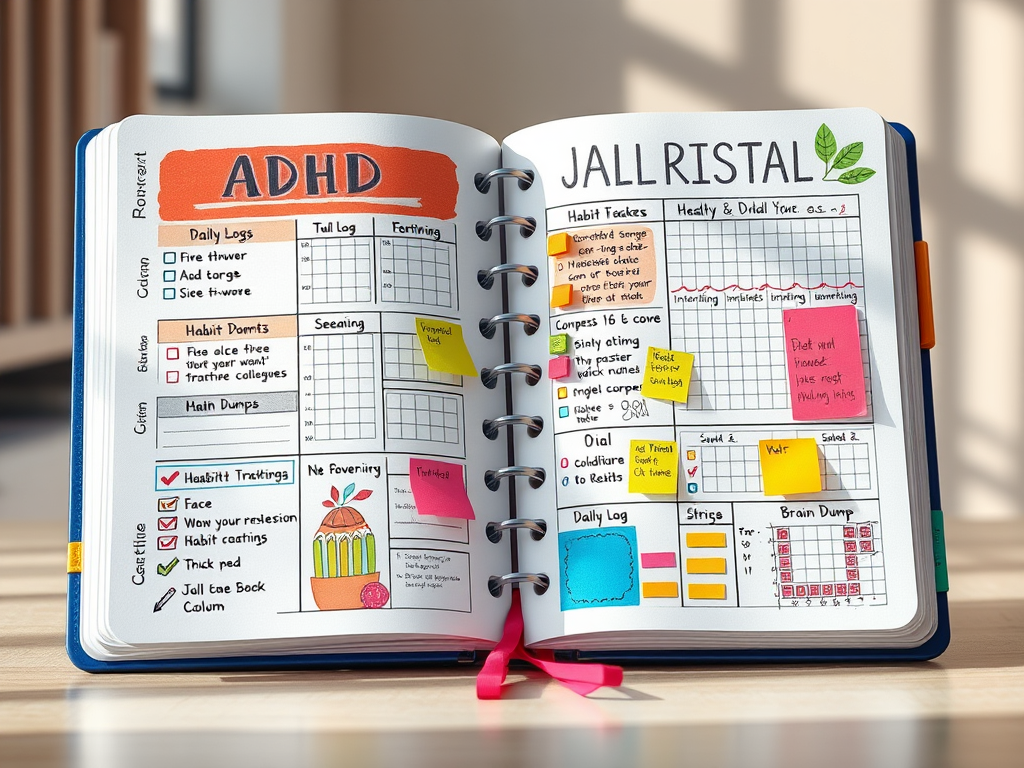
2. Bullet Journals: A Creative Way to Track Tasks
Bullet journaling (BuJo) is a flexible system that combines a planner, journal, and task manager in one notebook. Instead of rigid layouts, you create custom pages for tracking tasks, goals, and habits.
How to Use a Bullet Journal for ADHD Productivity:
📌 Daily or Weekly Logs – Write down tasks with bullet points and check them off as you complete them.
📌 Habit Trackers – Use grids or charts to visually track progress on habits like exercise, sleep, or reading.
📌 Brain Dumps – Jot down random thoughts or tasks to clear mental clutter and organize them later.
📌 Color-Coding & Symbols – Use different colors or symbols to highlight priority tasks vs. optional ones.
Pros:
✅ Customizable – You can design it in a way that fits your thinking style.
✅ Encourages reflection – You can track patterns and see progress over time.
✅ Portable – All your notes, goals, and to-dos are in one place.
Cons:
❌ Requires manual setup – If you struggle with consistency, maintaining a BuJo might feel like a chore.
❌ Can become perfectionistic – Some people get caught up in making pages “look nice” rather than focusing on function.
🔹 Best for: Creative thinkers who like handwriting tasks, journaling, and flexible planning.
3. Kanban Boards: Breaking Tasks into Visual Steps
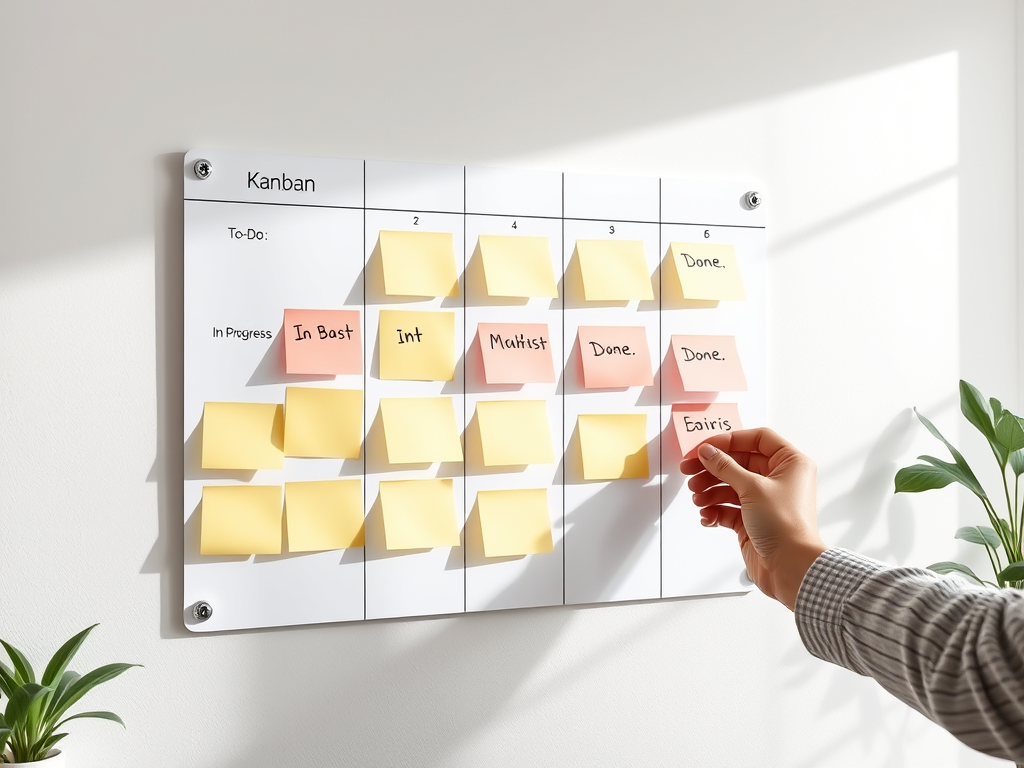
A Kanban board is a visual workflow tool that organizes tasks into columns representing different stages (e.g., To-Do, In Progress, Completed). It’s a great ADHD-friendly system because it helps you see progress in real-time.
How to Use a Kanban Board for Productivity:
📝 Create a Board with 3–5 Columns:
- To-Do (Not Started)
- In Progress (Working On)
- Completed (Done!)
- Optional: Add “Waiting” for tasks dependent on others.
📝 Use Sticky Notes or Digital Cards:
- Write tasks on sticky notes (for a physical board) or use tools like Trello, Notion, or ClickUp for a digital version.
- Move tasks across columns as you complete them.
📝 Keep It Simple:
- Set a limit on how many tasks can be in “In Progress” to prevent overwhelm.
- Group similar tasks together to batch work efficiently.
Pros:
✅ Highly visual – Progress is easy to track.
✅ Great for multi-step projects – Helps break big tasks into manageable parts.
✅ Works digitally or physically – Can be adapted to different preferences.
Cons:
❌ Can get cluttered – Too many tasks in “In Progress” can feel chaotic.
❌ Needs regular updates – If neglected, the board loses effectiveness.
🔹 Best for: People who thrive on seeing progress and like to manage projects step by step.
4. Mind Maps: Organizing Thoughts Visually
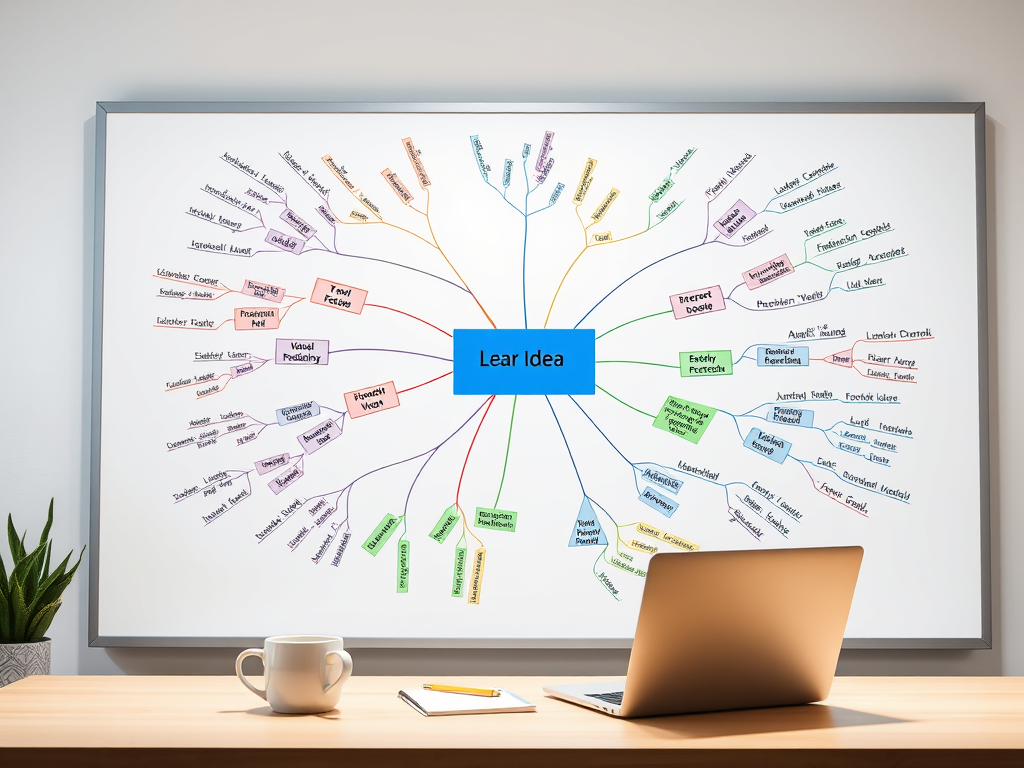
A mind map is a diagram that visually connects ideas, tasks, or goals in a non-linear way. It’s perfect for ADHD brains that struggle with structured outlines but excel at seeing connections between ideas.
How to Use Mind Mapping for Organization:
🖍 Start with a Central Idea: Write your main goal/task in the center of a page.
🖍 Branch Out with Subtasks: Draw lines connecting smaller tasks or ideas to the central idea.
🖍 Use Colors and Icons: Differentiate categories by using color-coded branches, symbols, or images.
Pros:
✅ Engages creativity – Great for brainstorming and planning.
✅ Reduces overwhelm – Breaks down big tasks into manageable chunks.
✅ Encourages free-thinking – No strict structure; works naturally with ADHD thought processes.
Cons:
❌ Can become messy – If too many ideas are added, it may feel chaotic.
❌ Less structured – Some people need more linear planning methods.
🔹 Best for: Brainstorming, creative projects, and breaking down complex ideas.
5. Digital vs. Physical Visual Tools: Which One is Better?
🖥 Digital Tools (Trello, Notion, ClickUp, Google Keep)
✔ Accessible anywhere
✔ Easy to edit and organize
✔ Syncs across devices
✔ Can include reminders and automation
📒 Physical Tools (Whiteboards, Sticky Notes, Planners)
✔ Engages tactile memory (writing helps retention)
✔ Less screen time = fewer distractions
✔ No risk of digital clutter
✔ Feels more personal and satisfying to check off tasks
Which One Should You Use?
✔ If you love writing things down → Bullet Journals or Whiteboards
✔ If you need a structured workflow → Kanban Boards (physical or digital)
✔ If you brainstorm visually → Mind Maps
✔ If you want automatic reminders → Digital planning tools
Tip: You don’t have to choose just one! Many ADHDers benefit from combining a physical system (bullet journal or whiteboard) with a digital tool (Trello or Google Calendar).
Final Thoughts: Choose a System That Works for You
Staying organized with ADHD doesn’t mean forcing yourself into rigid planning systems that don’t fit your brain. Instead, find visual tools that engage your mind, keep tasks manageable, and make productivity feel rewarding.
Whether you prefer the creative freedom of bullet journaling, the structured workflow of Kanban boards, or the flexibility of mind mapping, the key is to experiment and find what works best for you.
Start with one tool, adapt it to your style, and adjust as needed—because productivity should work for you, not against you!
If you found this article helpful, consider supporting my work on Buy Me a Coffee. Your support helps me continue creating ADHD-friendly content!
 TrueJourney