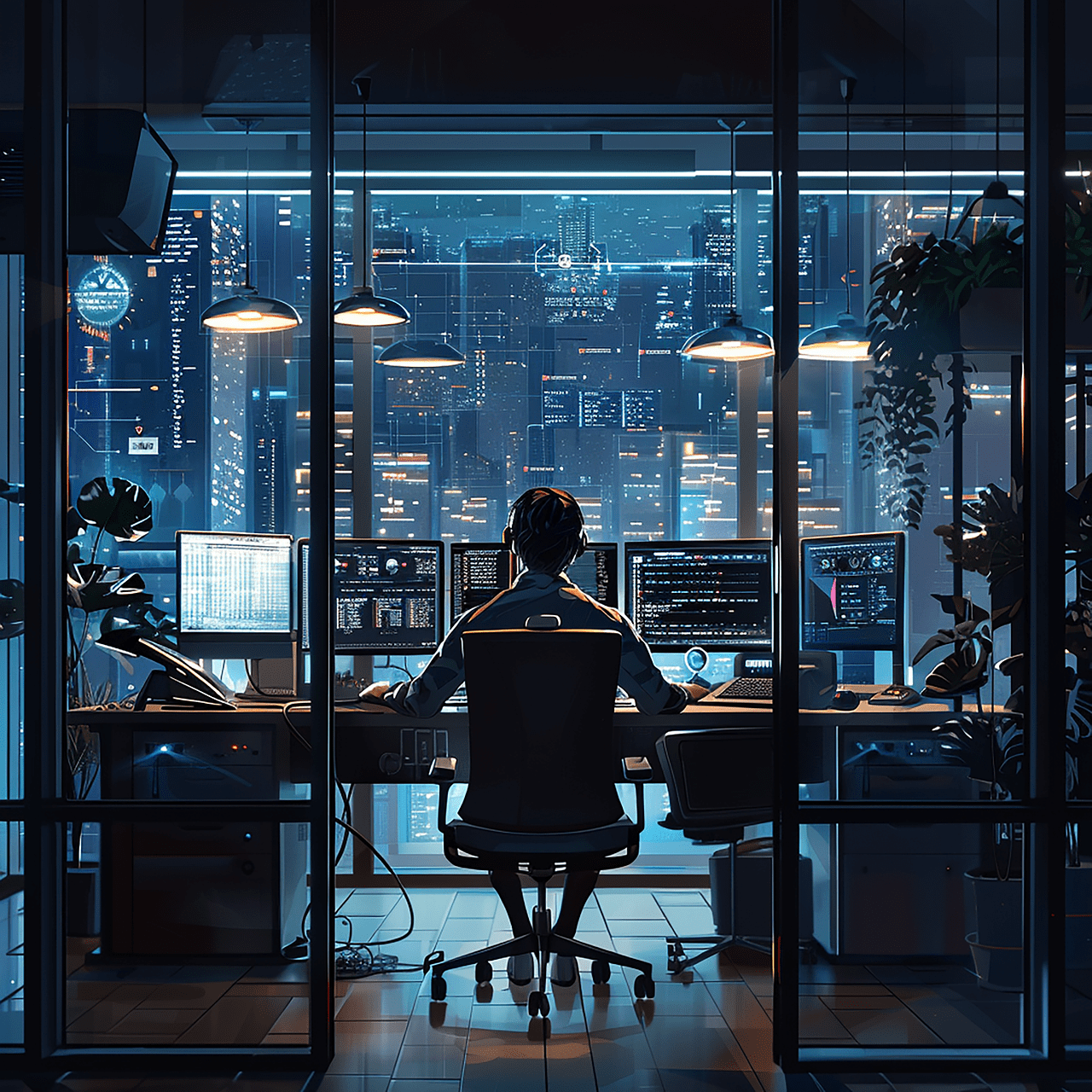
For individuals with ADHD, maintaining focus and productivity in a workspace can be challenging. Traditional office setups may not cater to the unique needs of an ADHD brain, which often benefits from specific structures, visual cues, and organization methods. A well-designed workspace can help minimize distractions, boost focus, and create an environment that supports ADHD-friendly habits.

In this article, we’ll explore practical tips for creating an ADHD-friendly workspace that can help improve your focus, productivity, and overall well-being.
1. Keep Your Workspace Minimal and Organized
For people with ADHD, clutter can be a major distraction. Visual and physical clutter in your workspace can contribute to feeling overwhelmed and make it harder to focus on tasks.
A. Declutter Your Workspace
Start by removing unnecessary items from your workspace. Only keep essential items, such as your computer, notebook, pens, and other tools you use daily. This helps create a clean, streamlined environment that’s easier to navigate.
- Actionable Tip: Dedicate 5–10 minutes each day to decluttering your workspace. Remove any items that don’t belong, file away papers, and wipe down your desk to keep it looking tidy.
B. Use Organizers for Essential Items
Invest in organizers, like desk trays or drawer dividers, to keep your supplies accessible and prevent your workspace from becoming cluttered. By designating spots for specific items, you’ll be less likely to lose them and more able to focus on your work.
- Actionable Tip: Store similar items together. For example, keep all writing supplies in one container and tech accessories like chargers in another. Labeling drawers or containers can make it even easier to stay organized.
2. Use Visual Cues and Reminders
ADHD brains often respond well to visual cues and reminders that help keep tasks and goals top of mind. Creating a visually supportive workspace can reduce the need to rely on memory, making it easier to stay on track.
A. Use a Whiteboard or Corkboard
A whiteboard or corkboard is an excellent way to keep reminders, to-do lists, and important notes visible. It provides a centralized place to organize tasks, upcoming deadlines, and other essential information.
- Actionable Tip: Divide your board into sections, such as “To-Do Today,” “Upcoming Deadlines,” and “Reminders.” Color-code tasks if it helps you prioritize and stay organized.
B. Add Sticky Notes for Quick Reminders
Sticky notes are a simple but effective tool for keeping track of small tasks or reminders. Place sticky notes in areas you frequently look at, such as your computer screen or near your desk lamp.
- Actionable Tip: Use sticky notes for short-term reminders, like “Call the client” or “Send invoice.” Remove or replace them once the task is completed to avoid clutter.
3. Implement a Time Management System
Time management can be challenging for people with ADHD, so using a system like time-blocking or the Pomodoro Technique can help break work into manageable chunks. Structured time management reduces the chances of feeling overwhelmed and provides built-in breaks to recharge.
A. Use Time-Blocking to Structure Your Day
Time-blocking involves dividing your day into blocks of time, each dedicated to a specific task or category of work. This helps create a schedule and limits distractions, as each block has a clear focus.
- Actionable Tip: Use a planner or digital calendar to set time blocks. For example, dedicate the first hour of your day to “emails,” the next to “project work,” and so on. This structure helps you stay organized and focused.
B. Try the Pomodoro Technique for Short Bursts of Focus
The Pomodoro Technique breaks work into 25-minute intervals, followed by a 5-minute break. After four intervals, take a longer 15–30 minute break. This approach can help ADHD brains stay engaged and prevent fatigue.
- Actionable Tip: Set a timer for 25 minutes and focus on one task until the timer goes off. Use the break time to stretch, hydrate, or step outside for fresh air.
4. Create a Sensory-Friendly Environment
People with ADHD can be sensitive to sensory stimuli like noise, light, or texture. Creating a sensory-friendly workspace tailored to your preferences can help reduce distractions and make it easier to focus.
A. Control Noise Levels
Background noise can either be distracting or beneficial, depending on personal preference. Experiment to find what works best for you. Noise-canceling headphones or white noise machines can be helpful if you’re easily distracted by sounds.
- Actionable Tip: Use noise-canceling headphones if you work best in silence, or play low-level background music if it helps with focus. Apps like Noisli offer customizable white noise options to mask distractions.
B. Adjust Lighting to Reduce Glare
Bright or harsh lighting can be overstimulating for people with ADHD. Opt for natural light if possible, or use warm, adjustable lighting that reduces glare and feels comfortable.
- Actionable Tip: Position your desk near a window for natural light, or use a desk lamp with adjustable brightness. If bright lights are distracting, consider using soft LED lights to create a calming atmosphere.
5. Incorporate Movement Breaks into Your Routine
Physical activity can be particularly helpful for ADHD brains, as it increases dopamine levels, which improves focus and reduces stress. Adding movement breaks into your daily routine can help keep you energized and reduce mental fatigue.
A. Set Alarms for Stretch or Movement Breaks
It’s easy to forget to take breaks when you’re deeply focused, so setting alarms can remind you to get up and move. Stretching, walking, or even doing a few jumping jacks can help re-energize you.
- Actionable Tip: Set a timer to go off every hour to remind you to take a short movement break. Use this time to stretch, walk, or do a quick physical activity that gets your blood flowing.
B. Try a Standing Desk or Desk Bike
A standing desk or desk bike allows for more movement during the workday, which can help with focus and prevent restlessness. These options let you incorporate subtle movement while you work, making it easier to stay engaged.
- Actionable Tip: Alternate between sitting and standing throughout the day, or use a desk bike for 10–15 minutes to help maintain focus and get some light exercise.
6. Make Your Workspace ADHD-Friendly with Digital Tools
There are several digital tools and apps designed to support productivity, organization, and focus. These tools can help keep track of tasks, manage deadlines, and create reminders, making it easier to manage responsibilities.
A. Use Task Management Apps
Task management apps like Todoist, Trello, or Asana are helpful for tracking tasks and organizing projects. These apps allow you to set reminders, prioritize tasks, and create checklists, which can help you stay on top of work.
- Actionable Tip: Choose a task management app that fits your style and use it to break down tasks into smaller, manageable steps. Set deadlines and reminders to stay accountable.
B. Leverage Focus Apps
Focus apps like Forest or Focus@Will can help minimize distractions by blocking certain websites or providing background music that aids concentration. These apps create an environment conducive to focus, helping ADHD brains stay on task.
- Actionable Tip: Use focus apps during high-priority work periods to block distractions and create a productive work environment.
7. Personalize Your Space to Reflect Your Personality
An ADHD-friendly workspace should also be a place you enjoy spending time in. Personalizing your space with items that make you feel comfortable and inspired can boost motivation and make it easier to work.
A. Add Personal Touches
Incorporate items that reflect your interests and personality, such as artwork, photos, or plants. Having these visual elements can make your workspace more enjoyable and help you feel more grounded.
- Actionable Tip: Decorate your space with a few meaningful items that bring you joy. A small plant, a motivational quote, or a photo of loved ones can make your workspace feel uniquely yours.
B. Create an “Inspiration Zone”
Designate a small area in your workspace for inspiration, such as a vision board or a collection of motivational quotes. This area can serve as a reminder of your goals and provide encouragement on challenging days.
Personal Insight: I created an inspiration zone on my desk with a small vision board and a few affirmations. It’s a reminder of my goals and helps keep me motivated on days when focus feels hard to find.
Conclusion: Building an ADHD-Friendly Workspace
Creating an ADHD-friendly workspace is about balancing structure with personal comfort. By organizing your space, using visual cues, incorporating movement, and adding personal touches, you can build an environment that supports focus and productivity. Remember, your workspace should cater to your unique needs and preferences, so feel free to adapt these tips to make them work for you.
If you found this article helpful and would like to support my work, please visit my Buy Me a Coffee page. Your support helps me continue sharing insights on managing ADHD and improving productivity.
 TrueJourney